Description
A simple, light weight application for editing server files and launching VU executables easily through a graphical interface.
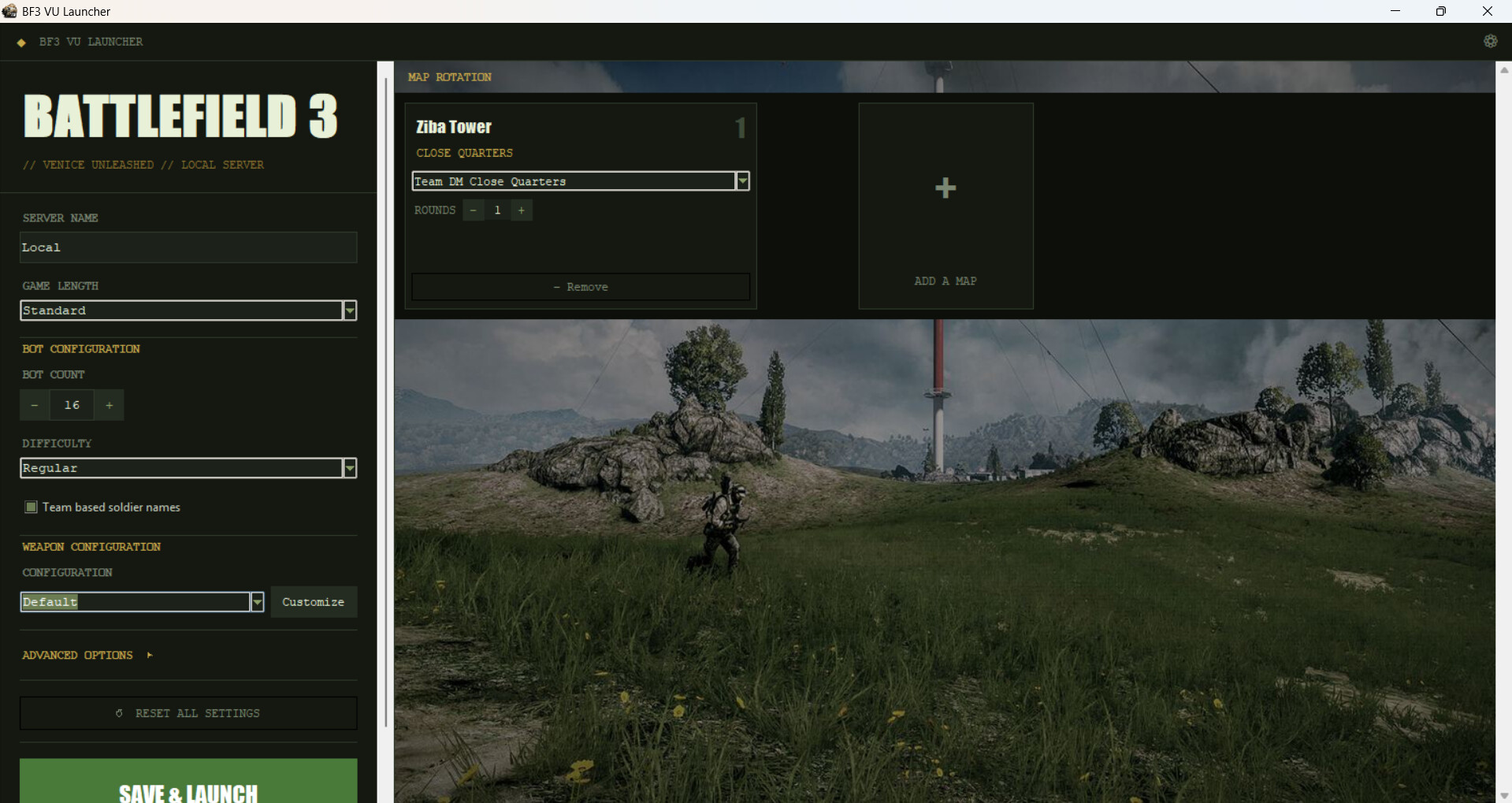
Like many others here, I mainly use Venice Unleashed to run private custom servers with bots. However, editing server and mod configuration files by hand can be very tedious and prone to error. This launcher simplifies the process by bringing together all major settings, like game length, map rotation or even bot number and difficulty in a single, easy to use executable.
I started working on this project mainly as an experiment to see what Claude can do in term of programming. Needless to say, its capabilities are impressive, frightening even. This application has been vibe coded with Claude Sonnet 4.6, the free version, and my directions. Feel free to adapt it to your needs and preferences, either by hand or with an AI agent.
/!\ The launcher may overwrite some of your BF3 configuration files on launch /!\
Features
→ Modify basic server settings like server name, game length (ticket number).
→ Modify bot-related settings like bot number, difficulty and names.
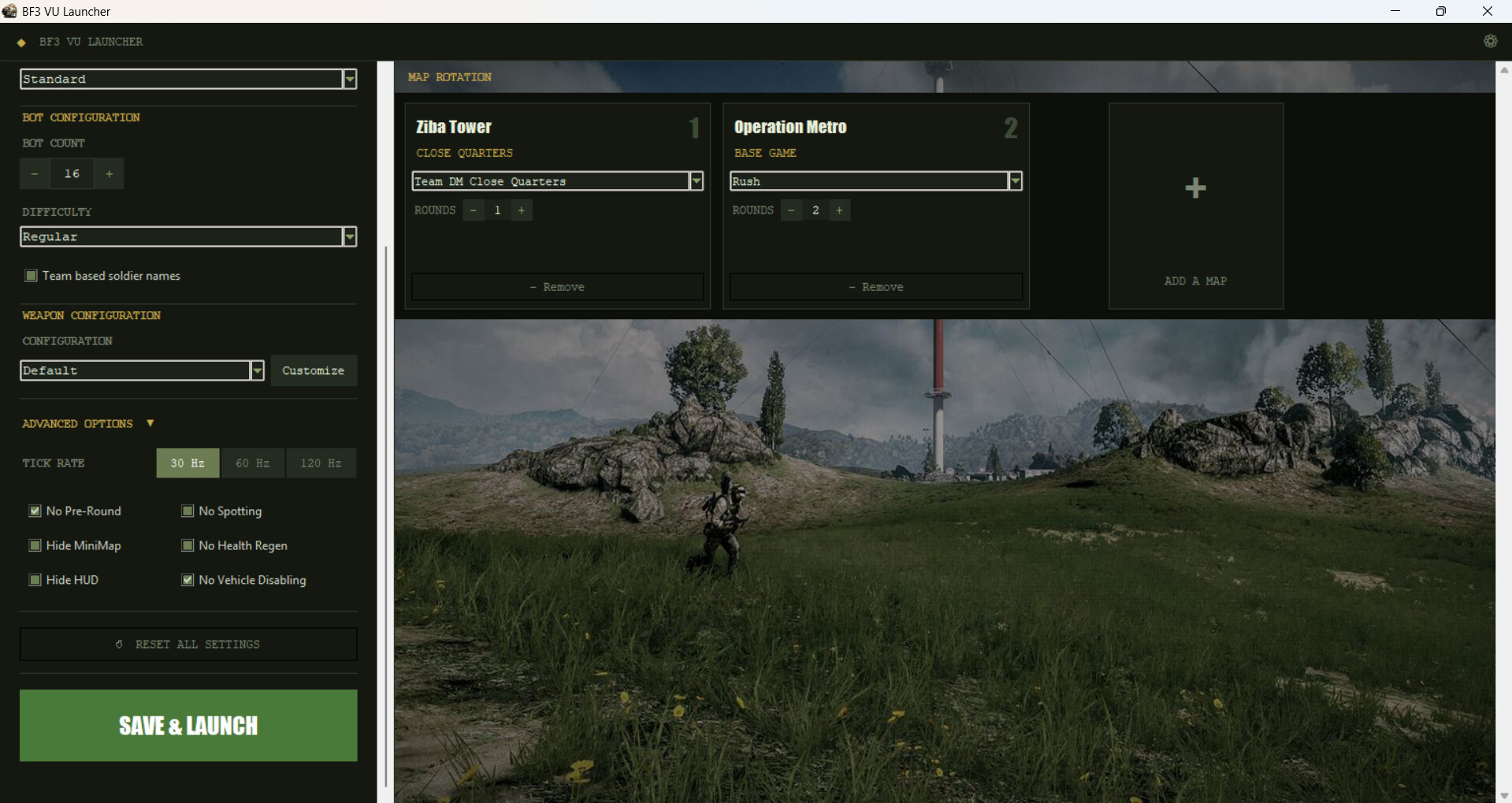
→ Define map rotation selection, game mods and number of rounds
→ Modify advanced game options, remove HUD/Pre Round, disable health regeneration, etc…
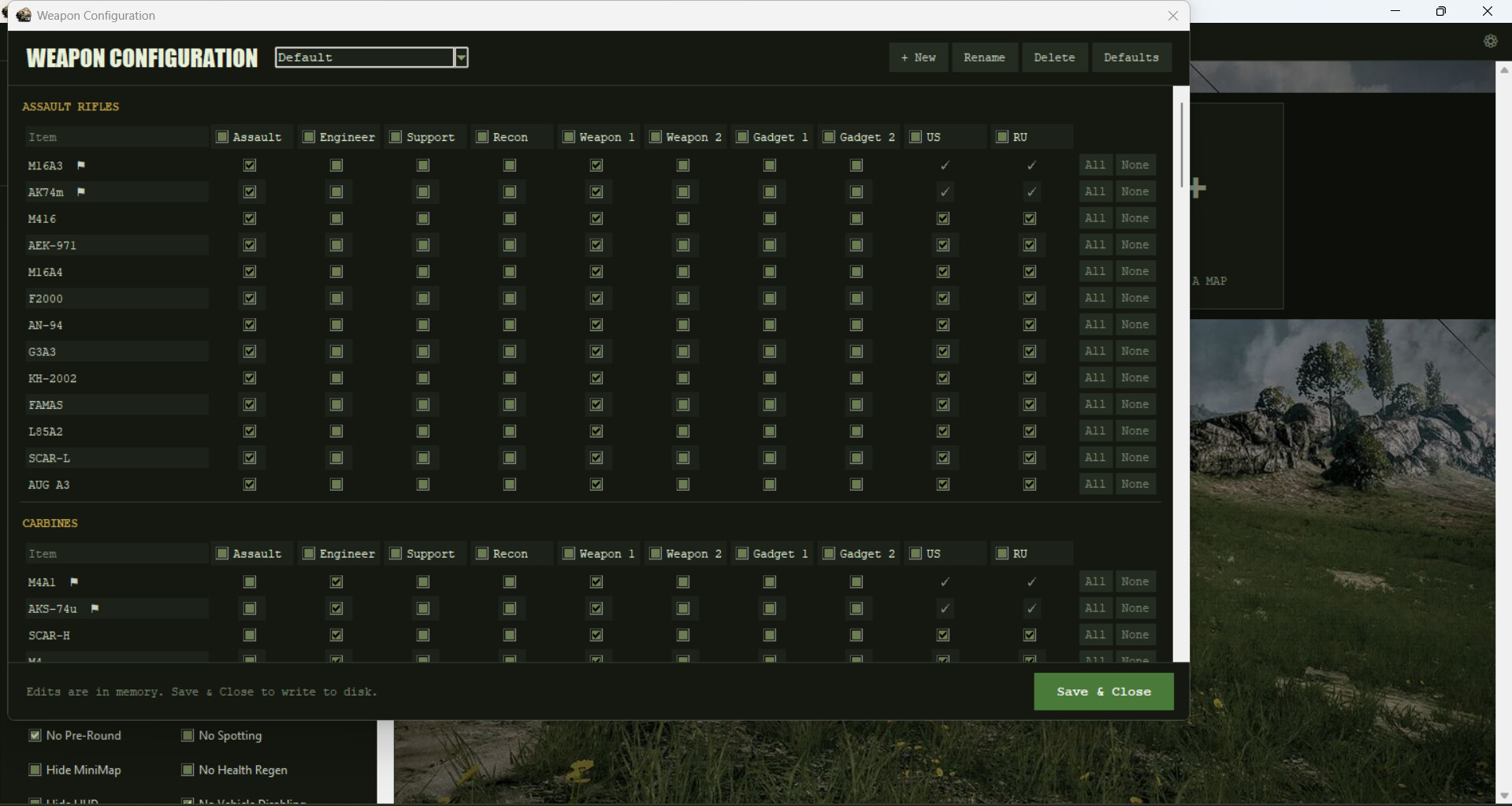
→ Define weapon and equipment configuration (SelectableUnlocks mod by NyScorpy required)
→ Launches VU server and client in order
Requirements
→ fun-bots by De_Joe-91 (Tested with V3.0.0): GitHub - Joe91/fun-bots: A highly customizable and configurable bot mod for your Venice Unleashed Battlefield 3 server. · GitHub
→ SelectableUnlocks by NyScarpy (Full version only): SelectableUnlocks - create custom class presets
Installation
Simply download the .zip archive and unzip it somewhere on your PC. Inside there is a built.bat script that, once allowed and executed, will build the launcher executable out of bf3_launcher.py and icon.ico. You can launch the executable thus created from anywhere on your PC, as long as you have a standard BF3 server installation. If your server Admin directory and/or your VU executables are located in non-default emplacements, you can define their path in the launcher settings (gear wheel in the top right hand corner). The launcher will save its parameters in a .ini file stored in your server Admin directory.
Since the application doesn’t have a valid certificate, your system may block it on first launch. I personally had to disable Windows Smart Application for it to work.
bf3vu_launcher.zip (296.1 KB)
bf3vu_launcher_no_SelectableUnlocks.zip (319.8 KB)
Credits
Icon by dunedhel, modified to include the VU logo
Background image by TedioreTwo
Vibe coded with Claude Sonnet 4.6 by ADN